
Write Markdown. Keep it local.
A focused Markdown editor that combines real HWND UI, Scintilla editing, an offline WebView2 preview, GitHub-flavored Markdown, safe atomic saves, and crash recovery.
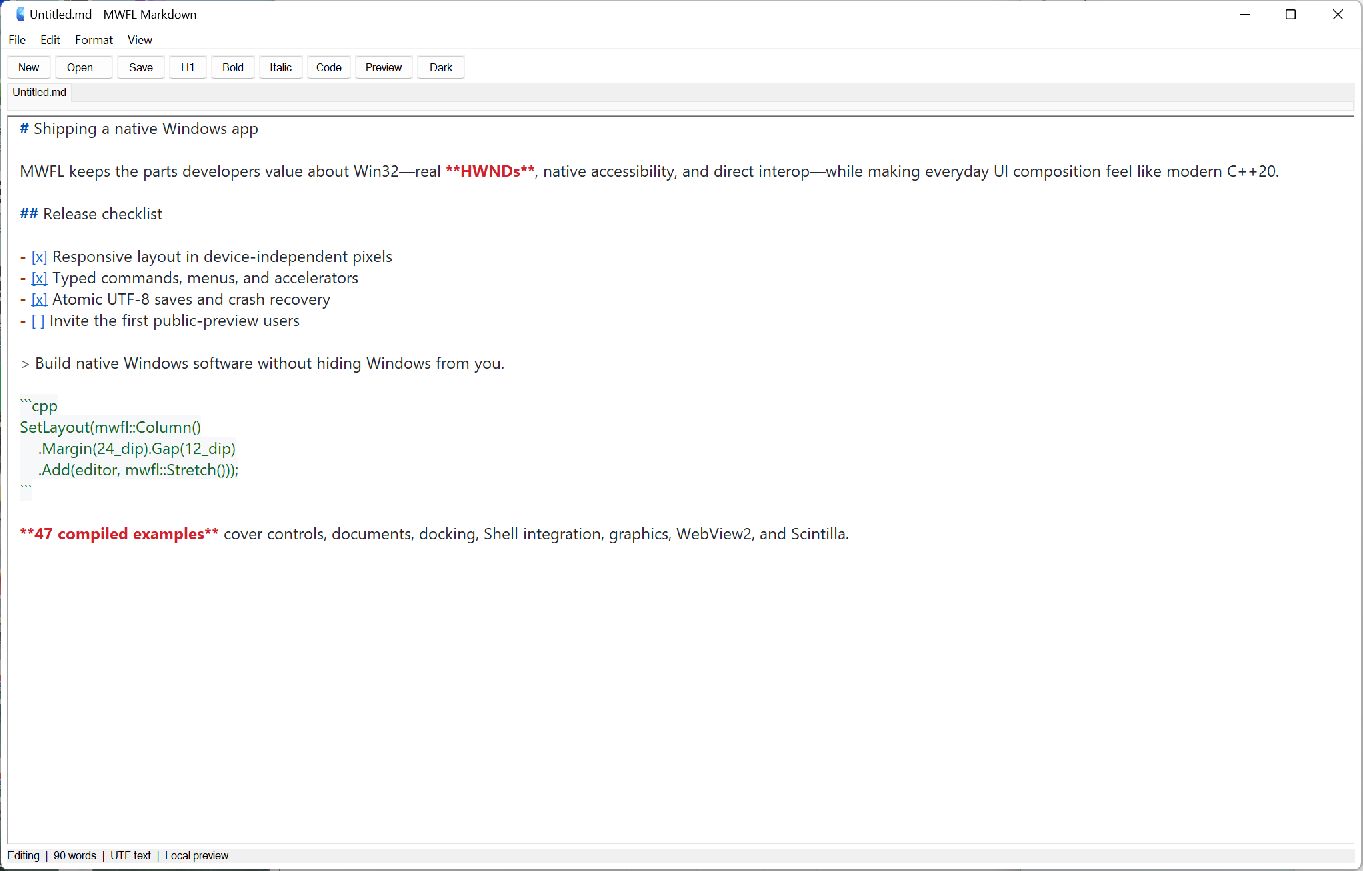
A real application, not a control gallery.
The example composes optional dependencies behind explicit ownership. Lexilla colors Markdown headings, emphasis, links, lists, quotes, and code in coordinated light and dark editor themes. It also handles New/Open/Save/Save As, stale-file rejection, unsaved-close decisions, menus, accelerators, find and replace, window placement, and a delayed recovery copy.
The Markdown renderer disables raw HTML, filters rendered URL schemes, applies a restrictive Content Security Policy, resolves document-relative images, and never requires a CDN or uploads document text.
Compile, test, and stage the product.
git clone https://github.com/mwfl/markdown-editor.git
cd markdown-editor
cmake --preset vs2026-x64
cmake --build --preset vs2026-x64-release
ctest --preset vs2026-x64-release
The staged component contains the executable, pinned Scintilla and Lexilla runtimes with their license, and the md4c MIT license. WebView2 uses Microsoft's Evergreen Runtime and fails gracefully when unavailable.