
Native UI fundamentals
Windows, controls, typed events, layout, DPI, timers, and safe worker handoff.
Real HWND controls, typed events, checked setup, and DPI-aware layout — with the Win32 escape hatch always within reach.
#include <mwfl/mwfl.h>

using mwfl::operator""_dip;

class MainWindow final : public mwfl::WindowBase {
public:
    void BuildUI() override {
        SetTitle(L"Hello, mwfl");

        mwfl::ControlHost ui{*this};
        ui.Add(message_, L"Native UI, modern C++20.");
        ui.Add(close_, L"Close");

        SetLayout(mwfl::Column()
            .Margin(24_dip).Gap(12_dip)
            .Add(message_, mwfl::Auto())
            .Add(close_, mwfl::Fixed(36_dip)));
    }

private:
    mwfl::Label message_;
    mwfl::Button close_;
};Download the tested MSVC x64 or ARM64 binary preview, or build from source.
The 0.1.0 baseline brings the complete tested UI, application-support, and Foundation component set together.
The same thin real-HWND foundation scales from a local-first Markdown editor to Explorer-style navigation and persistent IDE docking.


Windows, controls, typed events, layout, DPI, timers, and safe worker handoff.
Commands, forms, documents, dialogs, settings, persistence, and reference applications.
Docking, printing, OLE, Shell, Ribbon, MDI, graphics, and contextual Help.
Direct2D/3D, WIC imaging, WebView2, and Scintilla without expanding the core dependency surface.
Bind a parent once with ControlHost; omit provisional bounds when layout owns positioning.
Populate controls from lists, spans, ranges, or views, then use Must for source-located failures.
Ship resizable pages with dirty/apply state, validation feedback, Apply/OK/Cancel, versioned per-user persistence, and a real GUI self-test.
Use buttons, radios, verification, progress, links, callbacks, safe cancellation, and explicit HRESULT results.
Own modal/modeless forms with retained layout, or build stable-GUID notification-area utilities that recover after Explorer restarts.
Compose Rebar, Toolbar, Tabs, Splitter, stable TreeView, virtual ListView, StatusBar, image lists, accelerators, and context menus.
Use a pinned SDK with structured Runtime discovery, async creation, offline tests, accelerator routing, and process recovery.
Deploy a pinned runtime with strict Unicode, UTF-8 positions, typed notifications, search/replace, and save points.
Use generated Ribbon resources or a bounded MDI compatibility layer with stable IDs, explicit ownership, and deterministic teardown.
Record EMF, export bounded GDI+ PNGs, recover taskbar commands, and launch validated contextual Help.
Pass nested rvalue rows, columns, and overlays directly to window-owned SetLayout.
Override only the keyboard, mouse, resize, timer, DPI, command, or paint events the window needs.
Native handles, messages, styles, and return values stay reachable through GetHwnd().
DIP units, per-monitor scaling, and a shared manifest across every example target.
Layout nodes keep non-owning HWND references and rearrange automatically on WM_SIZE.
using mwfl::operator""_dip;

SetLayout(
    mwfl::Row()
        .Gap(8_dip)
        .Add(name_, mwfl::Stretch(1.0f, 160_dip))
.Add(save_, mwfl::Fixed(96_dip)));Command events identify the originating control without message-map macros or manual HWND comparisons.
mwfl::EventResult OnCommand(const mwfl::CommandEvent& event) override {
    if (event.IsClicked(greet_)) {
        status_.SetText(L"Hello, " + name_.GetText());
        return mwfl::EventResult::Handled();
    }
    return mwfl::EventResult::Propagate();
}Eight public standalone applications show how MWFL behaves beyond a control gallery. Each application card opens a detailed design, safety, build, and testing overview before linking to its source.
 Hex EditorRead-only binary inspection and backed-up editing
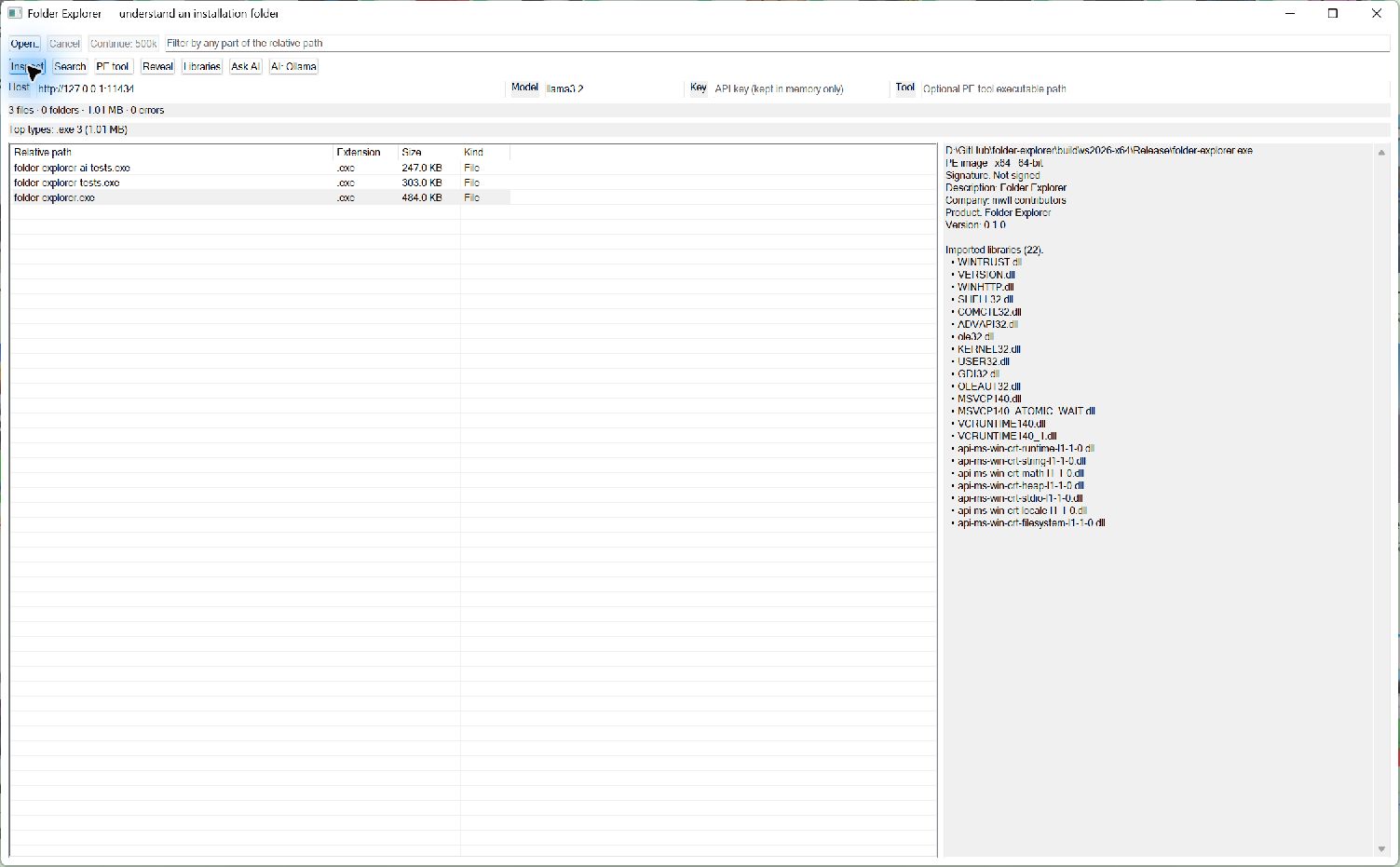 Folder ExplorerBounded inventory, PE inspection, and optional AI
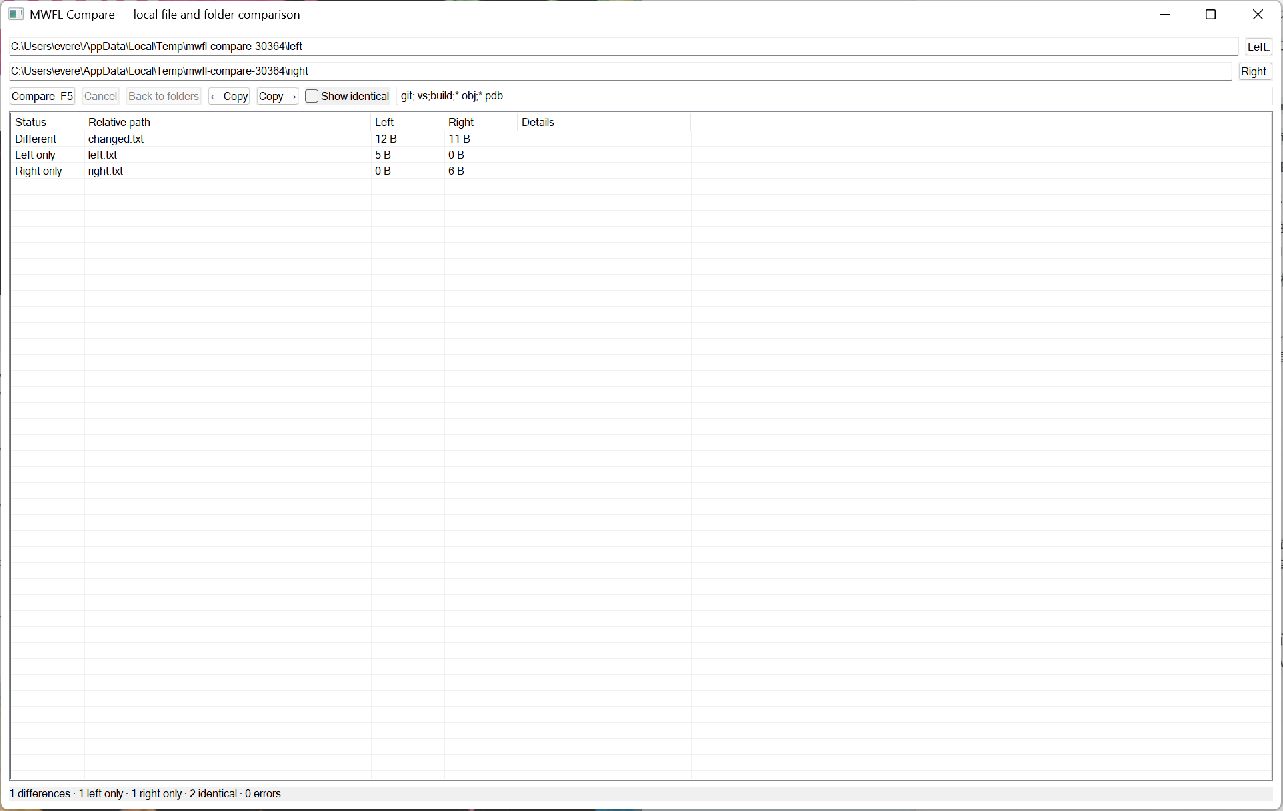 Folder CompareLocal comparison with explicit verified copy
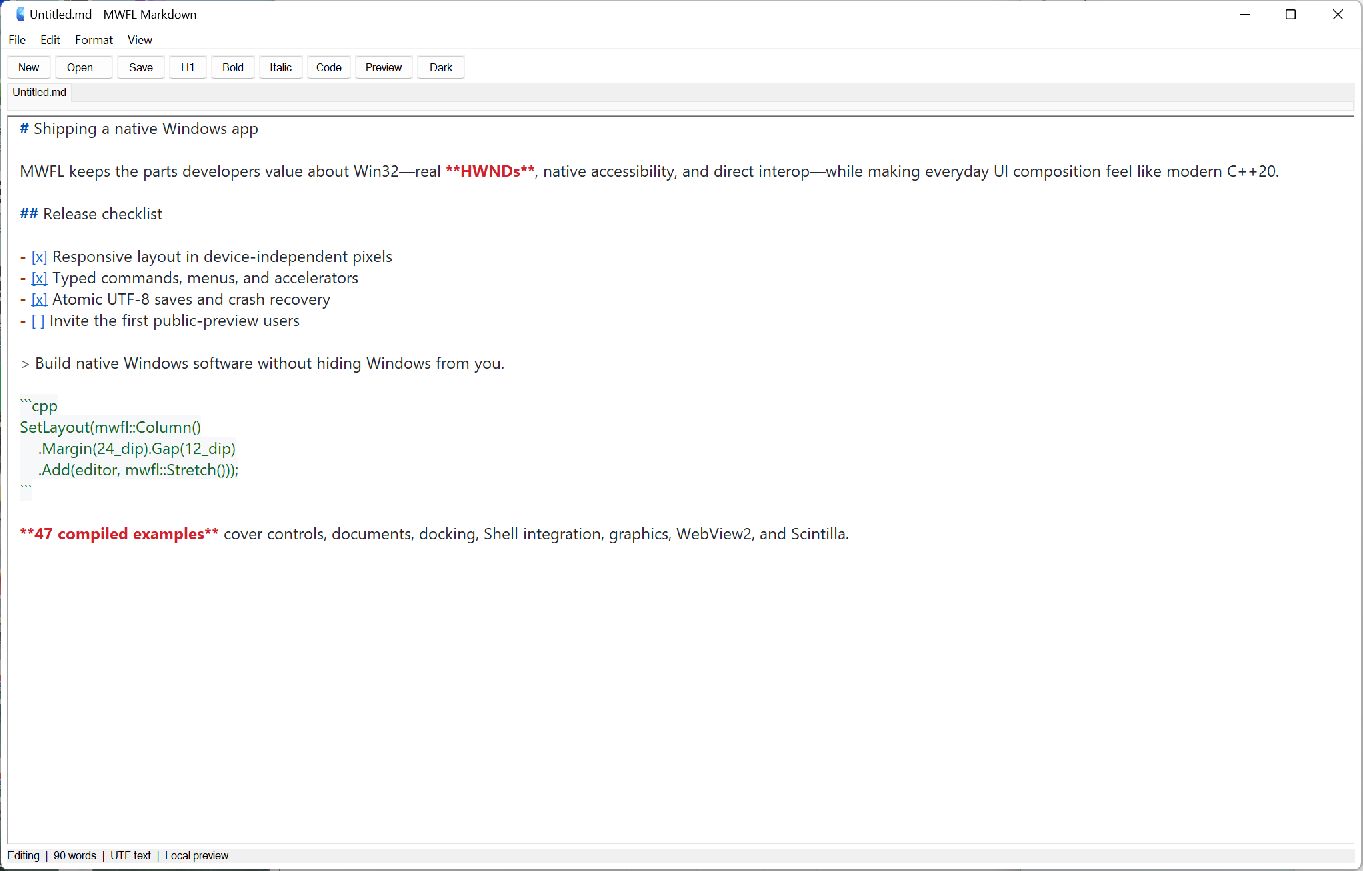 Markdown EditorLocal-first editing and offline GFM preview
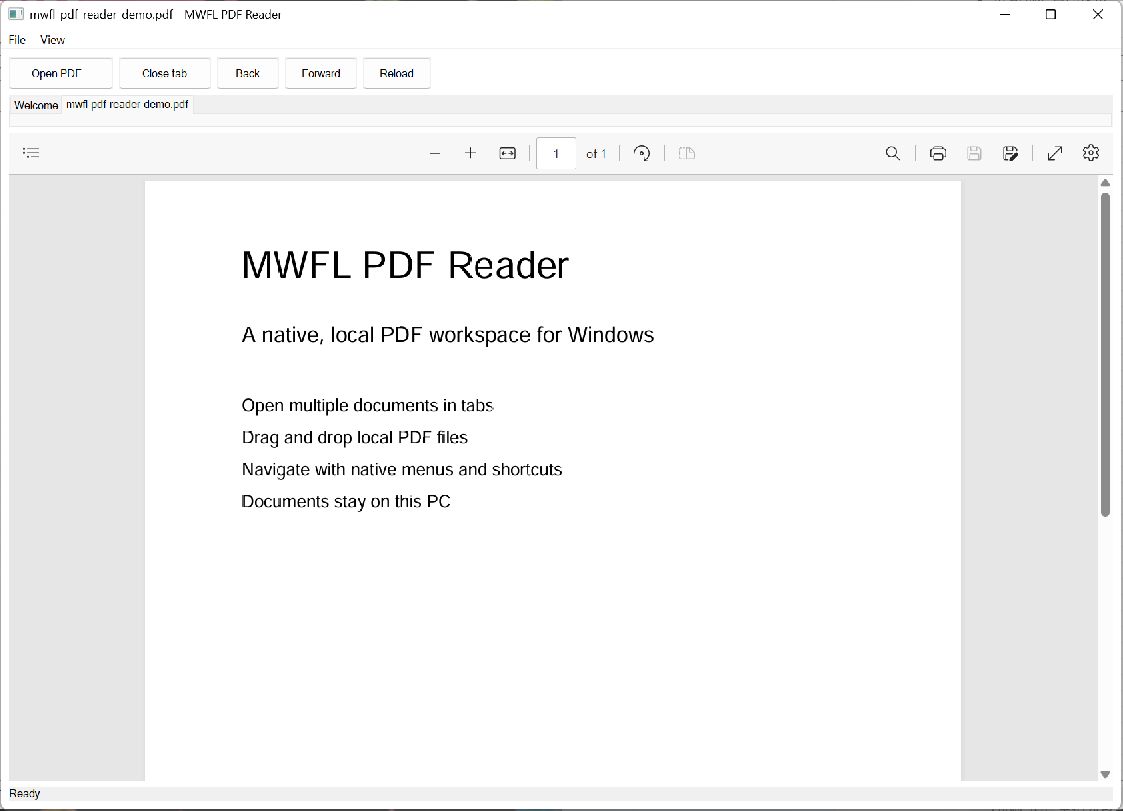 PDF ReaderTabbed local documents with WebView2 rendering
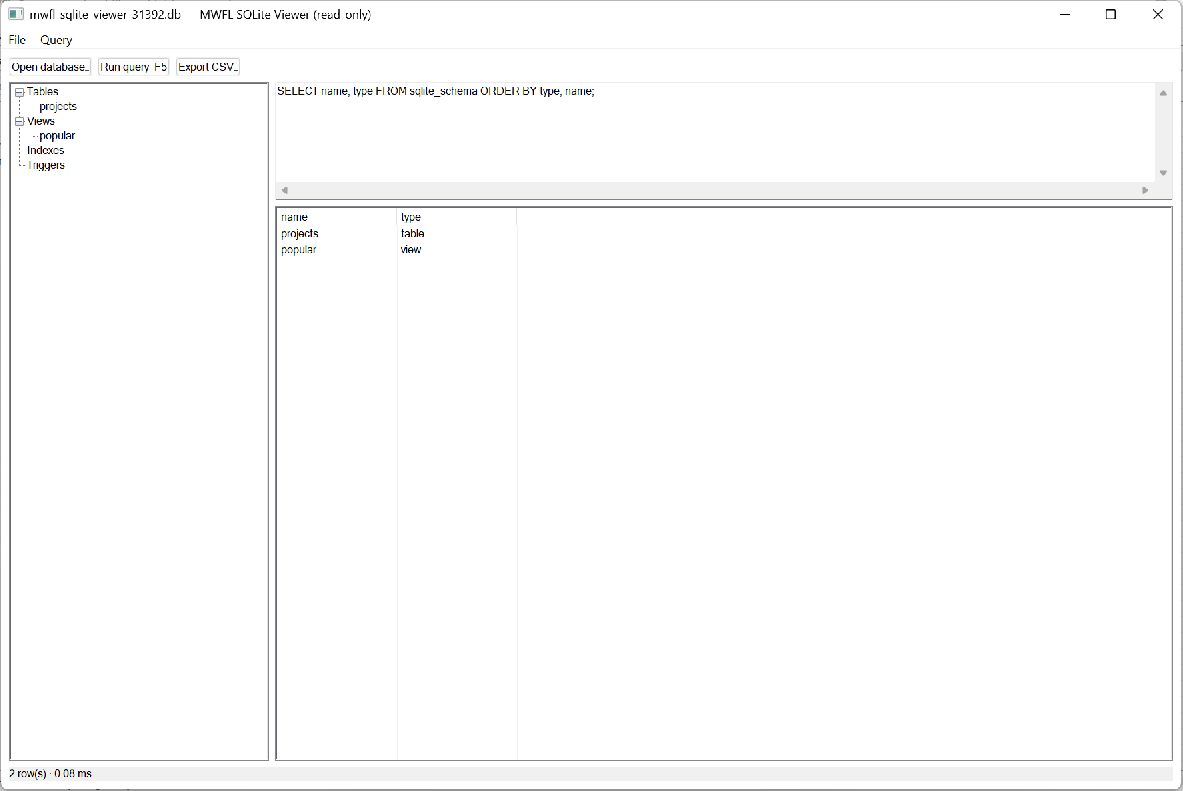 SQLite ViewerRead-only schema browsing, queries, and CSV export
 Notepad ColonNative editing, Tree-sitter languages, and large-file workflows
 Startup ManagerSafety-focused startup inventory and explicit operations
 ControlsComplete form-control gallery
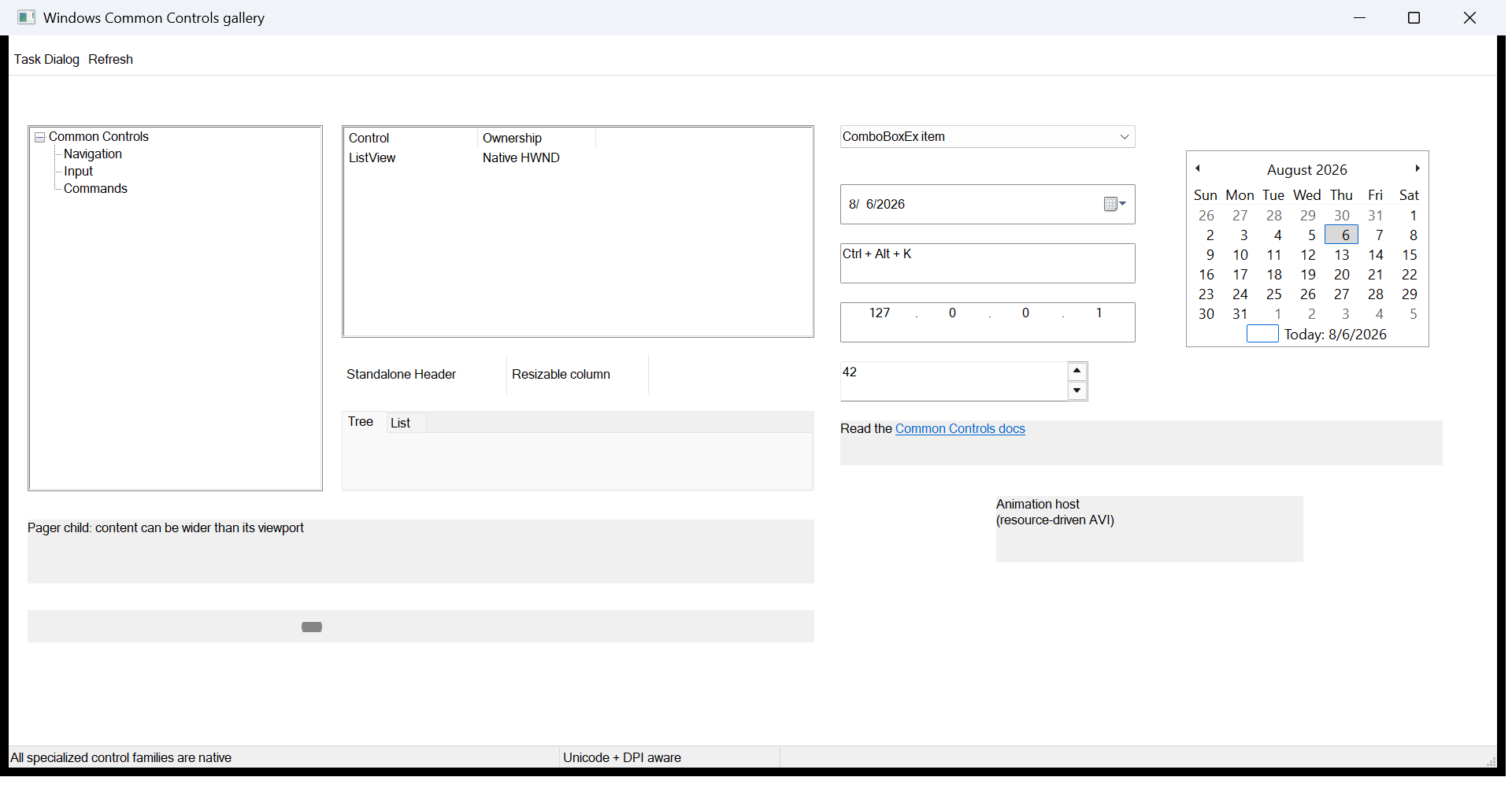 Common ControlsComplete specialized gallery
 Form bindingLive model validation and preview
 CommandsMenu, toolbar, and shortcuts in sync
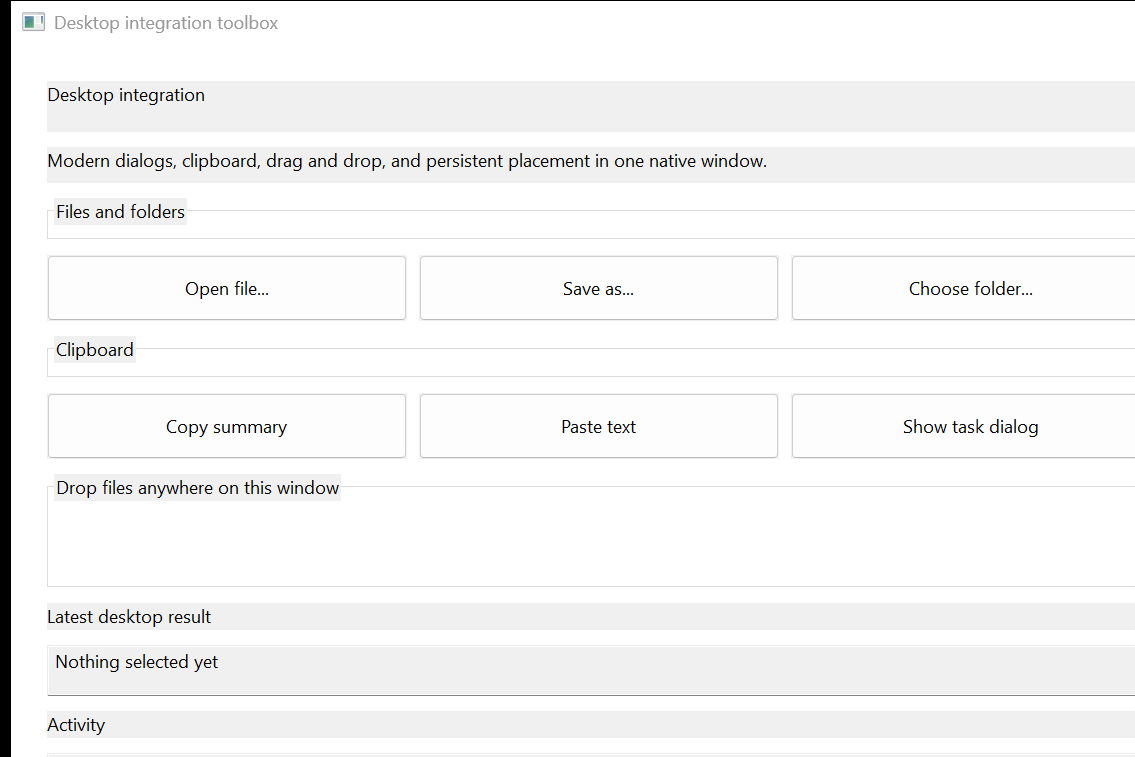 Desktop integrationDialogs, clipboard, drop, persistence
 Layout galleryResponsive rows, columns, and overlays
The v0.1.0 downloadable binaries cover MSVC x64 and ARM64, with checksums and build-provenance attestations.
WebView2, Scintilla, Direct2D/3D, WIC, Ribbon, MDI, printing, OLE, Shell, and graphics integrations are requested and linked separately.
The stable source surface is documented and tested. Applications rebuild mwfl with the same supported MSVC toolset rather than relying on a cross-toolset ABI.
FetchContent pulls mwfl and its pinned WIL dependency — no manual paths.